

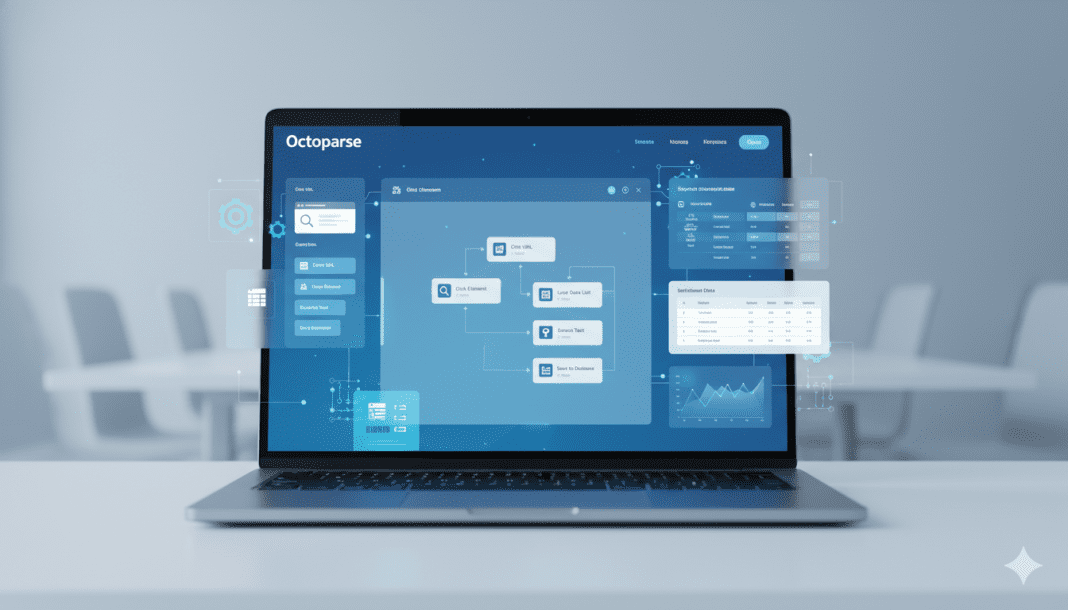


Right now, information shapes choices – how we market, study things, even grow companies. Pulling tons of online details by hand? That takes forever, barely works well at all. Enter Octoparse. Think of it as a way to grab organized website facts without writing code ever once. Hard jobs turn simpler. Sudden ease shows up whether you’re new to this, doing it daily, or running teams across an organization.

What is Octoparse?
Most folks turn to Octoparse when they need info pulled straight from websites – no manual copying required. This tool lives online, so access comes from anywhere, anytime. Pulling product details, pricing tags, customer feedback, property records, company cont acts? That kind of work fits right into its rhythm. Some use it daily; others tap in now and then. Whatever the pattern, pulling structured data becomes less about effort, more about setup. Websites change often – but this handles shifts without constant babysitting.
With no need to write code in Python or similar, Octoparse lets people build scrapers by clicking around a screen layout. Because of this design choice, newcomers find it easier to start gathering data than with older techniques.
How Octoparse Works
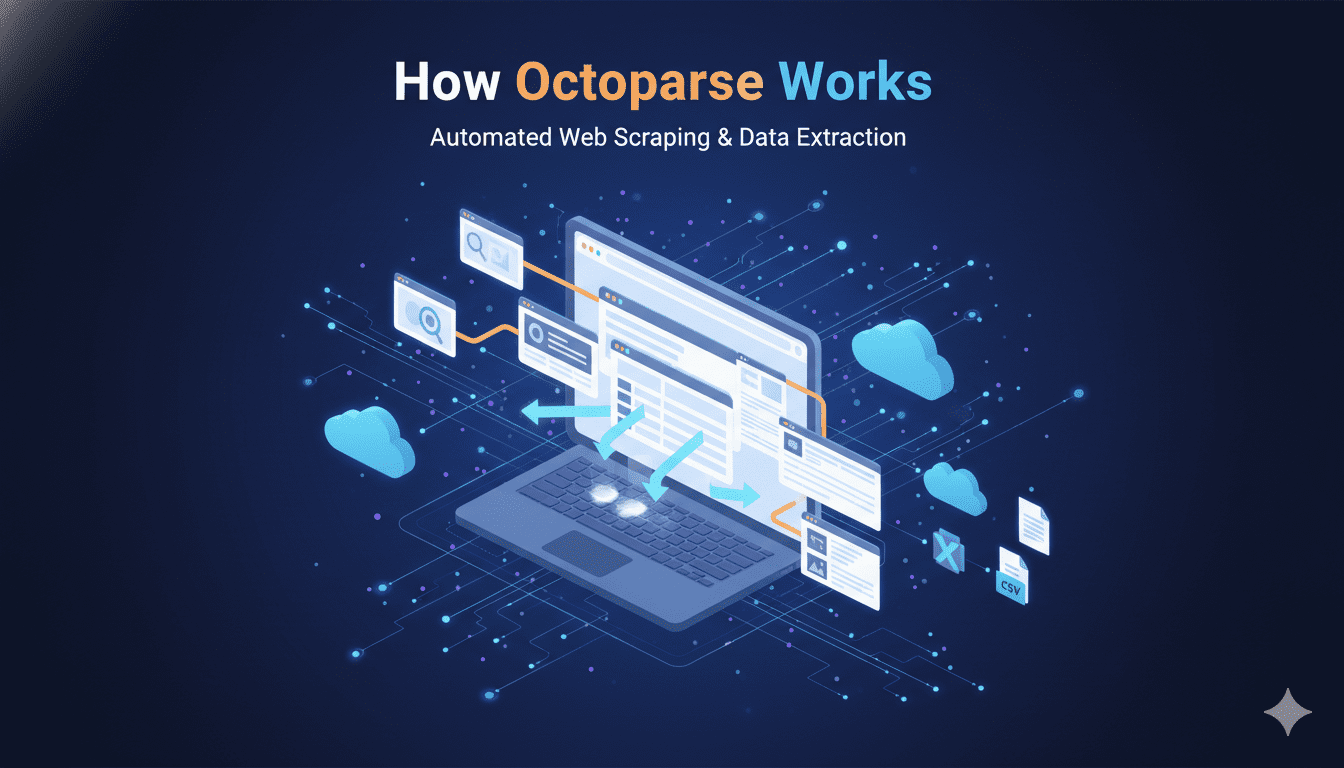
Inside Octoparse, a webpage opens just like a person would visit it. Put in any web address to begin, then watch the page appear right in the app’s own window. Click on pieces of information you need, almost as if highlighting text. What happens next feels natural – selection leads straight into gathering.
Patterns across the webpage get spotted by the system right away, sparking a tailored extraction process. After setup, this tool begins pulling data based on those detected structures
- Crawl multiple pages automatically
- Extract structured data
- Move findings out using Excel files, or shift them into CSV setups, alternatively send straight to database systems
- Cloud machines handle jobs so the person’s device does not have to remain active
Spending less time on tasks happens because machines handle gathering info instead of people.
Octoparse Key Features
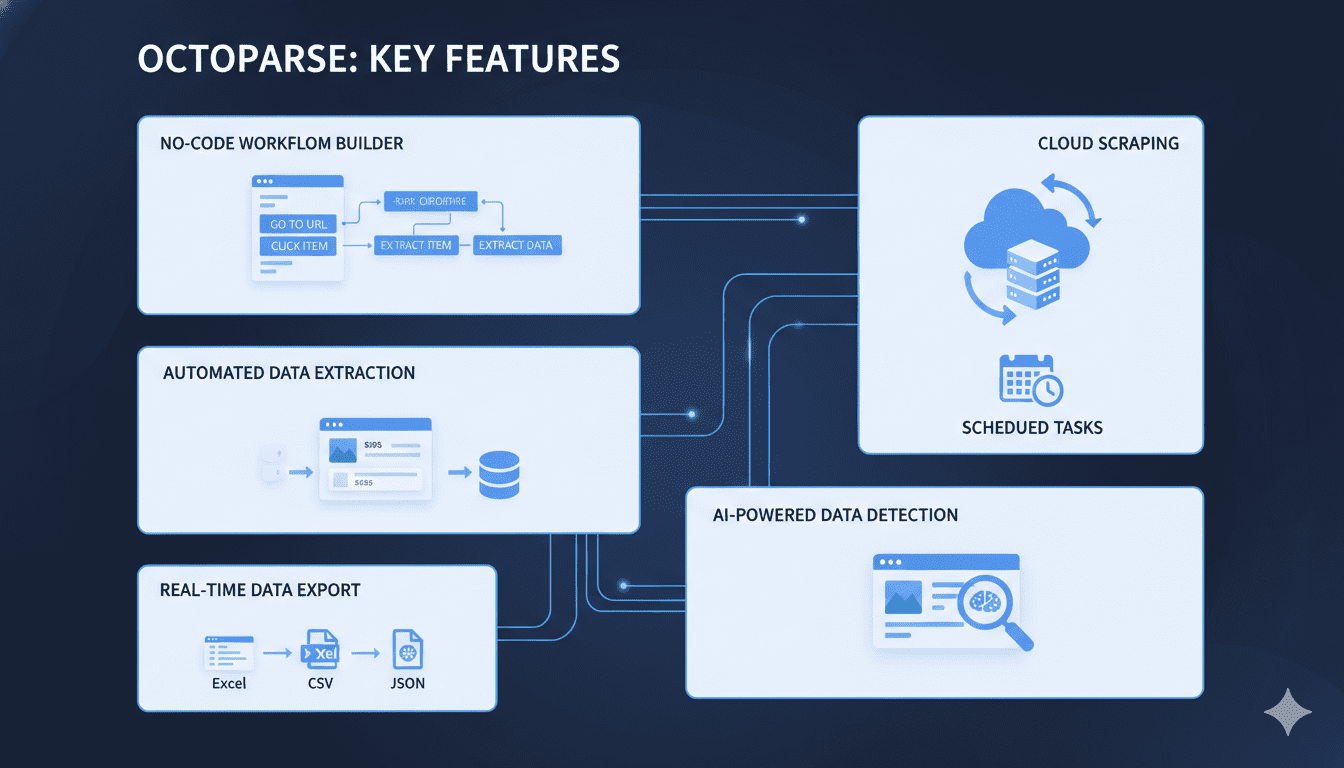
Anyone can use Octoparse – even without coding skills. With a click-based design, setting up data extraction feels natural. Tasks come together fast when guided by visuals instead of scripts.
Even if the user switches off their machine, scraping jobs keep going in the cloud. Tasks stay active remotely, so information gathering never stops.
From time to time, Octoparse includes preset setups tailored to familiar spots online – say, shopping sites, social networks, or places hiring workers. These come already shaped for quick use.
Some tools fail at complex sites, yet this one pulls data from pages packed with live scripts. Dynamic content usually causes issues, but here it works regardless.
At set moments, scraping jobs begin automatically, keeping information current. When the clock hits a certain point, updates happen without delay. Fresh data appears because timing controls when work starts. Scheduled runs keep pace with changes people need. The system acts on time cues to deliver what is new.
Out of reach comes files shaped like Excel, CSV, JSON – also straight into APIs. Formats shift depending on where the data lands next. Some go wide, others plug right in. Moving pieces fit different slots without asking much.
Octoparse Advantages:
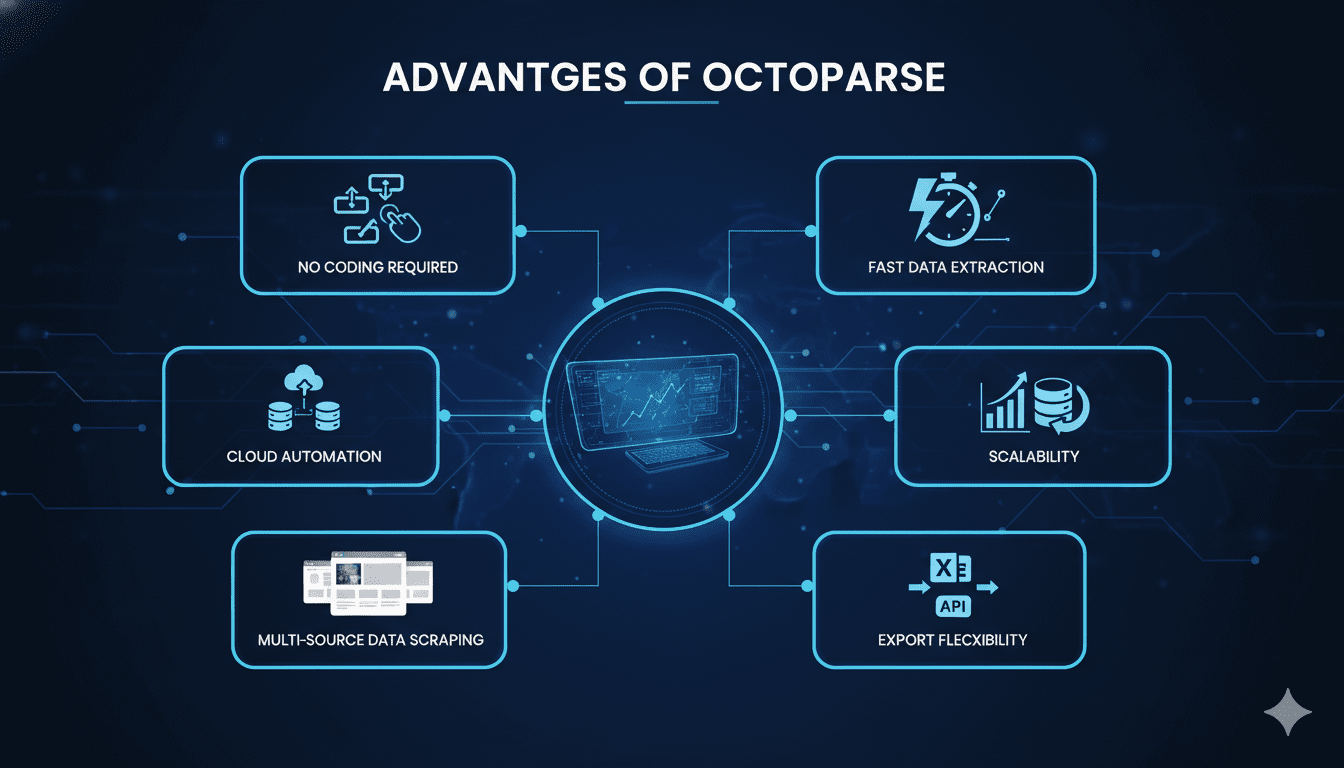
Octoparse provides several advantages for individuals and businesses:
- Spending less time happens when gathering big amounts of data gets handled automatically
- Just start using it – perfect for those who’ve never coded. Anyone can pick it up without tech skills slowing them down
- Spending less time collecting numbers means sharper attention lands on studying them. A shift like that? It clears mental space usually cluttered by spreadsheets and forms
- Built to grow along with your needs, tackling tiny jobs just as smoothly as massive ones. Whether it’s a handful of pages or thousands, performance stays steady without skipping a beat
- Accurate Data Extraction: Reduces human error in data collection
Octoparse Use Cases
Octoparse is used across multiple industries and applications:
- E-commerce: Track competitor prices and product listings
- Marketing: Collect leads and customer insights
- Real Estate: Gather property listings and market trends
- Job hiring: Pull details from ads plus info about people applying
- Research: Collect data for academic or business analysis
Because it bends easily, you can apply it to nearly every job that needs data. What matters is how well it fits different situations.
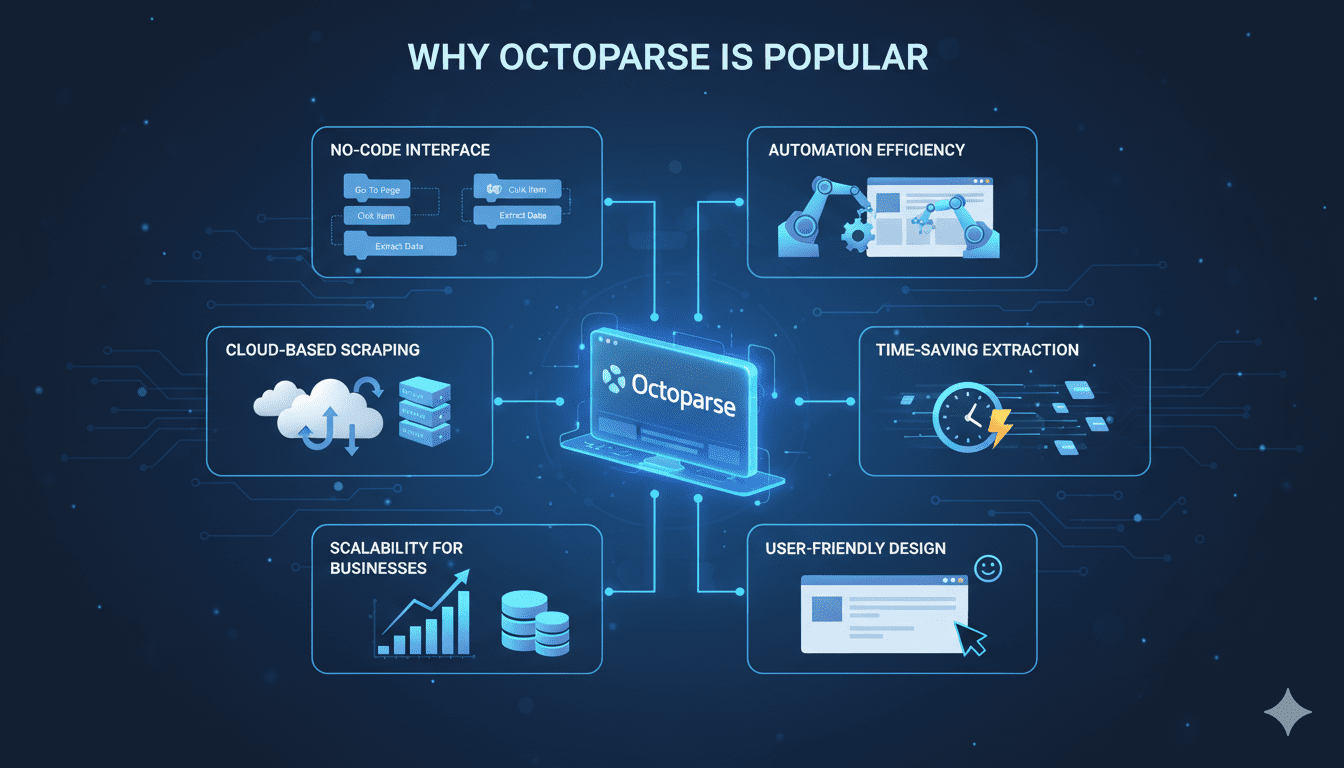
Why Octoparse is Popular
What makes Octoparse stand out isn’t flashiness – it’s how straightforward it feels while still handling tough jobs. Instead of paying high prices for people to type data by hand, some companies switched to this tool after realizing old methods wasted time. Its ability to run complex scrapes without constant oversight changed how teams handle information tasks. Even those using fragile homemade scripts found a steadier path forward here.
Because it works well without needing deep tech skills, people who need online information find it useful. Whether working alone, at a small company, or part of a big team, the tool fits different needs – simple enough for quick tasks, yet built to handle heavier jobs.
Conclusion:
When it comes to pulling data without coding, Octoparse stands out. Its point-and-click design makes grabbing info from sites feel smooth. Instead of writing scripts, people use drag–and–drop steps in a browser–like window. Cloud mode runs tasks nonstop, even when computers sleep. Complex pages with buttons or logins? It handles those too. Structured spreadsheets come out ready to analyze. Speed meets precision across hundreds of sources at once.
From small shops to tech teams, Octoparse turns online information into clear next steps – no coding needed. When numbers shape choices, having a tool that pulls live details straight from websites makes all the difference.
Read More:- Firecrawl AI: Smart Web Scraping & Data Extraction Tool