

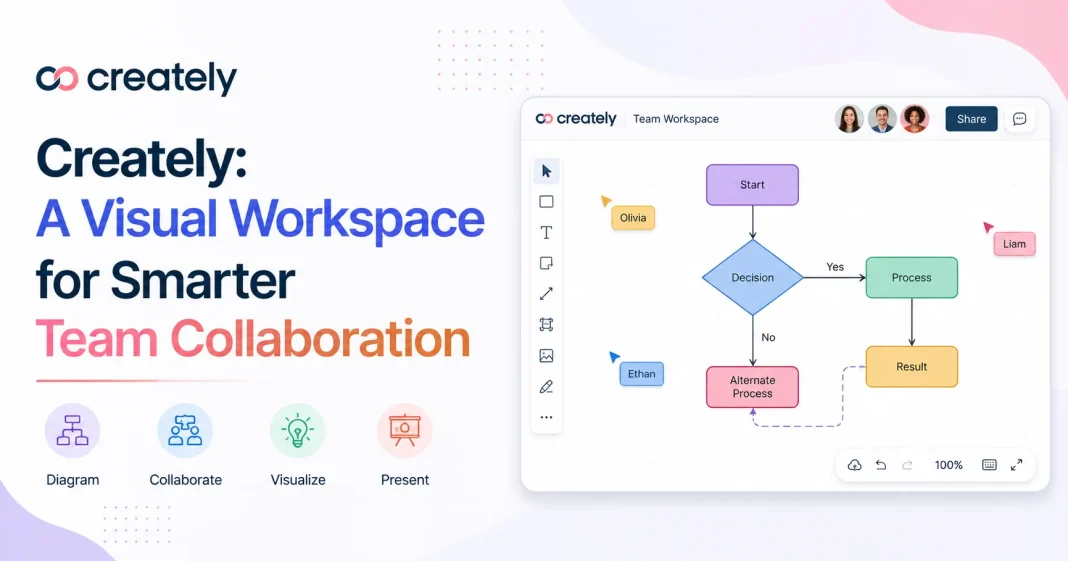


In today’s digital age, collaboration tools have become essential for helping people organize, brainstorm, and plan their processes in a visual manner. Creately is a visual collaboration and workplace management software that helps people and teams transform their ideas into visual formats. Its also in diagram flowcharts planning and collaboration creately offers it all under one platform will make your ideas easy to visualize and present.
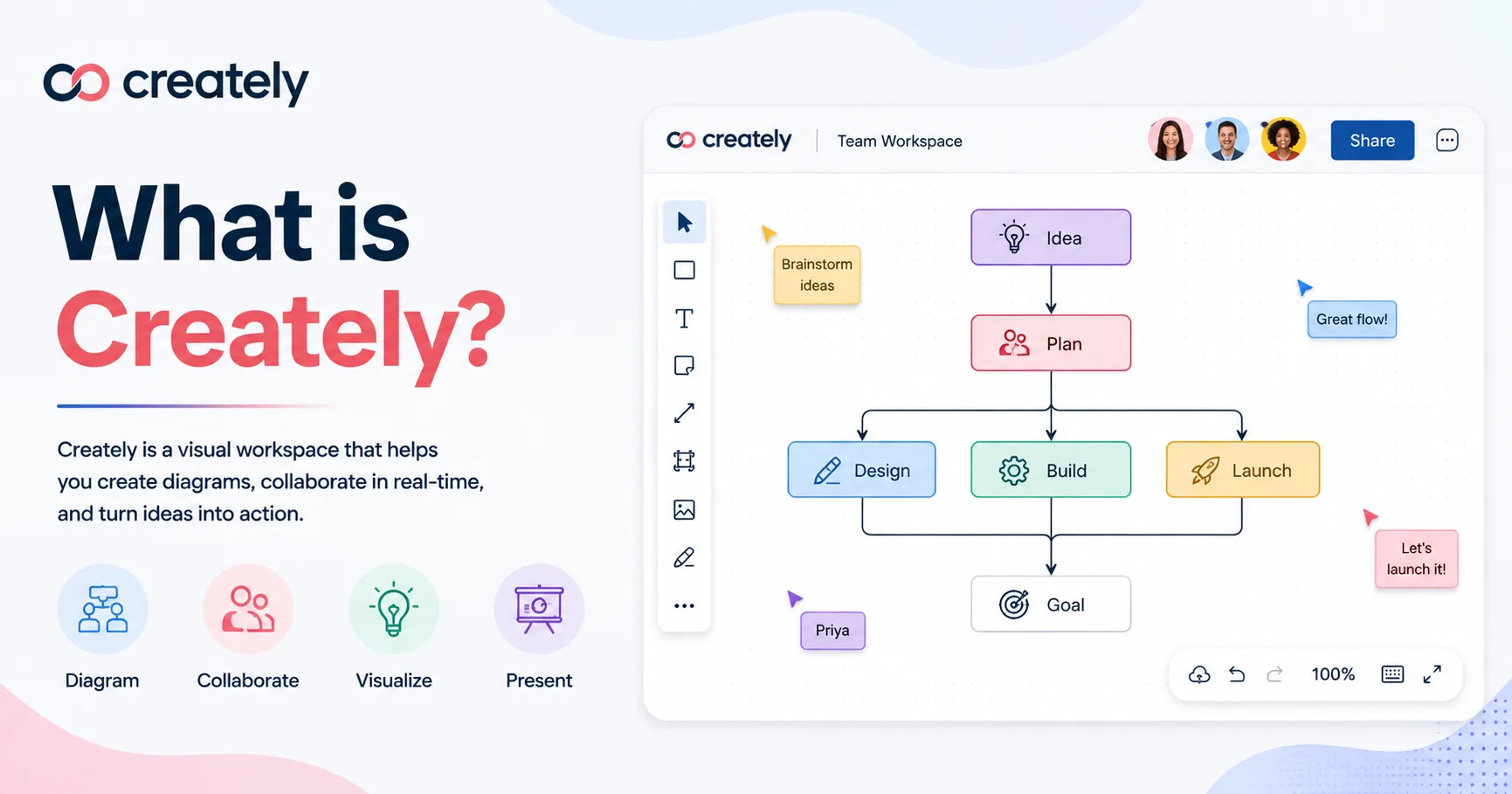
What is Creately?
Creately is an online based tool that offers web apps for online collaborative work on diagrams, charts, mind maps, flowcharts, wireframes, and many more. It helps people brainstorm ideas while keeping all of the documents organized.
How does Creately work?
The software allows people to brainstorm and plan by providing a digital canvas for designing documents. Additionally, one can choose to work on a blank canvas or select from the many design options available in the app. In addition to giving people the freedom to design their visual documents, Creately allows users to collaborate with other team members by working on the same space and making edits to the documents. This helps facilitate teamwork, especially when it comes to making changes to the design or presentation of a project.
Apart from offering a collaborative platform for brainstorming and planning, Creately can also be used to document and record various information, designs, and processes.
In addition, it can be used to carry out business and project planning by presenting the information in a visual format.
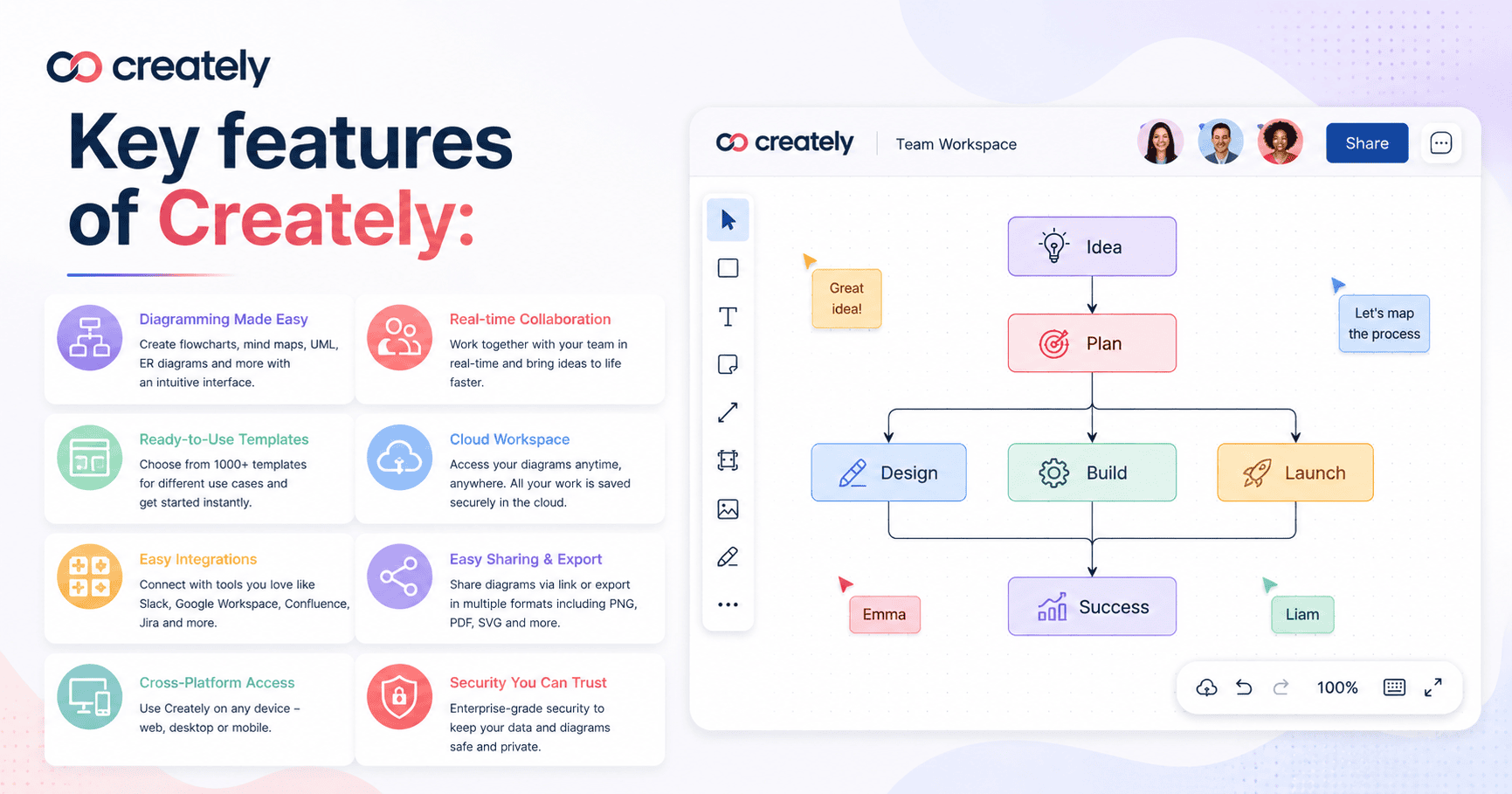
Key features of Creately:
Some of the main features of Creately include:
1. Visual diagramming:
With this tool, one can generate a wide range of visual representations of an idea, process, business plan, and other concepts. Some of the options include flowcharts, organizational charts, mind mapping, and process diagrams, among others.
2. Team collaboration:
Users can collaborate online and share design spaces to work on different tasks together.
3. Ready-made templates:
The application also comes with ready-made design options that people can use to customize their design templates.
4. Project planning:
Creately can also be used for project planning by organizing information in visual formats.
5. Easy information sharing:
With this software, one can share information, documents, and designs easily and collaborate with other people. Additionally, it allows exporting visual data and presenting it virtually.
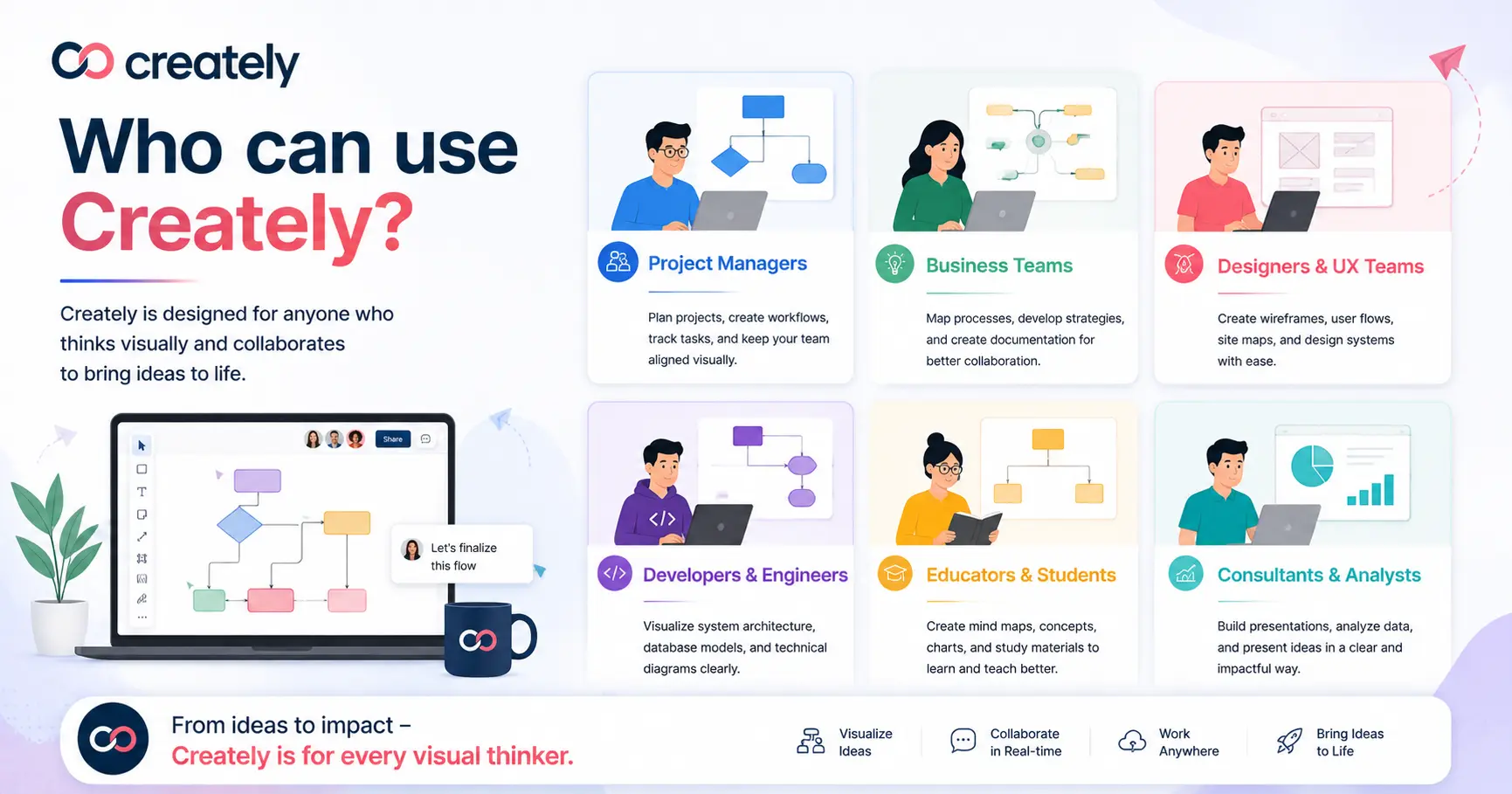
Who can use Creately?
Guys, Creately is a good platform to use; anyone can use it. It tends to target enterprise managers, developers, designers, and others also used by students, educators, and telecommuters. It also helps to collaborate on documents; it helps business management and education. Also, any person can easily utilise Creately to meet virtual collaboration, presentation designs, and plans visually.
Why should one use Creately?
Friends if I tell you why should usE creatly so first thing that its help for visual representation of an idea and facilities collaboration its teamwork productivity guys this is particularly important its help for visual and textual content In addition, this application makes it easy to share and collaborate on an idea, project, or document, which is vital and advantageous in project management.
Conclusion:
Creately is a visual collaboration and workplace management platform that allows people and teams to represent their ideas visually. It has an array of features, including visual diagramming, team collaboration, ready-made templates, project planning, and easy information sharing. Friends, this tool is used by students and business owners. Also, the project manager application allows for documenting and presenting, and it’s perfect for you, so I recommend it to you guys; it’s safe, and if you use it, it’ll help your business and, purpose-wise, your goal and targeted places
Read More:- Firecrawl: Powerful Web Data Extraction for AI and Developers