

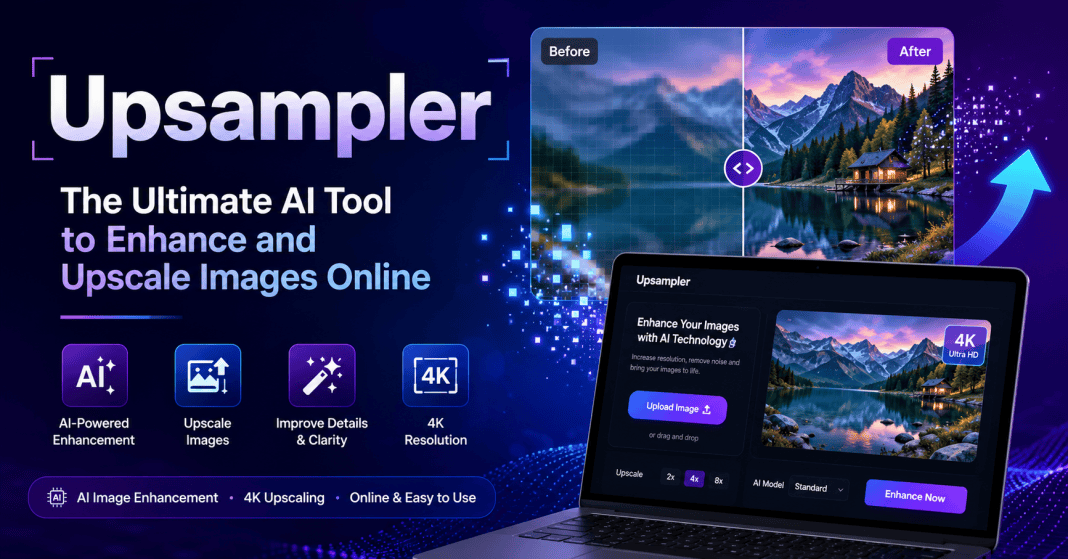


Right now, sharp pictures matter more than ever for standing out online. If you create content, design things, promote ideas, or run a business, crisp photos simply work better. Enter Upsampler – an AI-driven tool built to boost image quality fast. It lifts resolution while keeping details clean, without slowing down your workflow. What once took hours now happens in moments, quietly improving how visuals look across platforms.
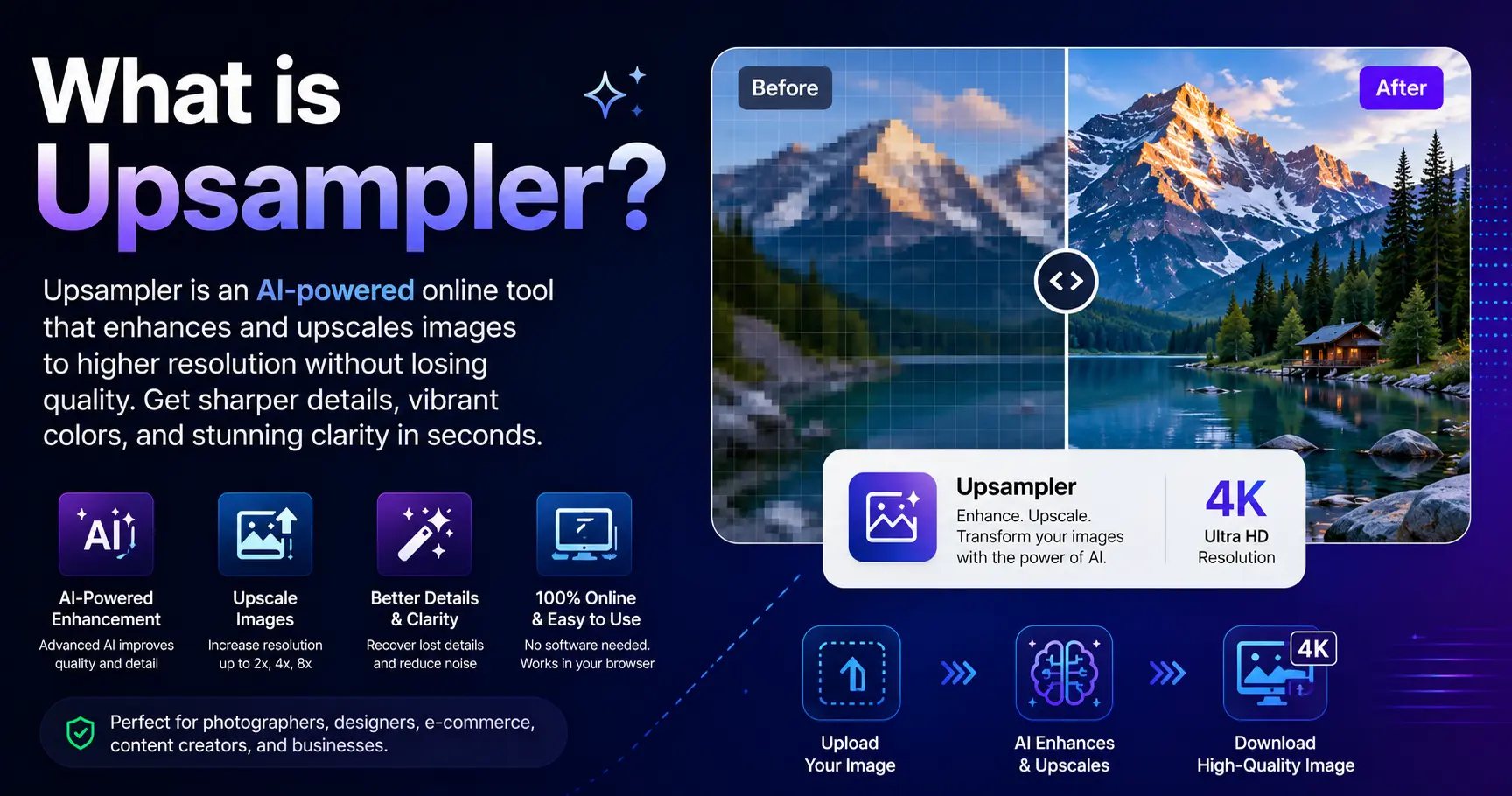
What is Upsampler?
Image clarity gets a boost from Upsampler, a smart tool running on AI. Instead of just stretching pixels like old methods do – often leaving things fuzzy – it predicts fine textures during scaling. Because of learning patterns, the output gains lifelike sharpness. Quality turns crisper, cleaner, closer to studio-grade results.
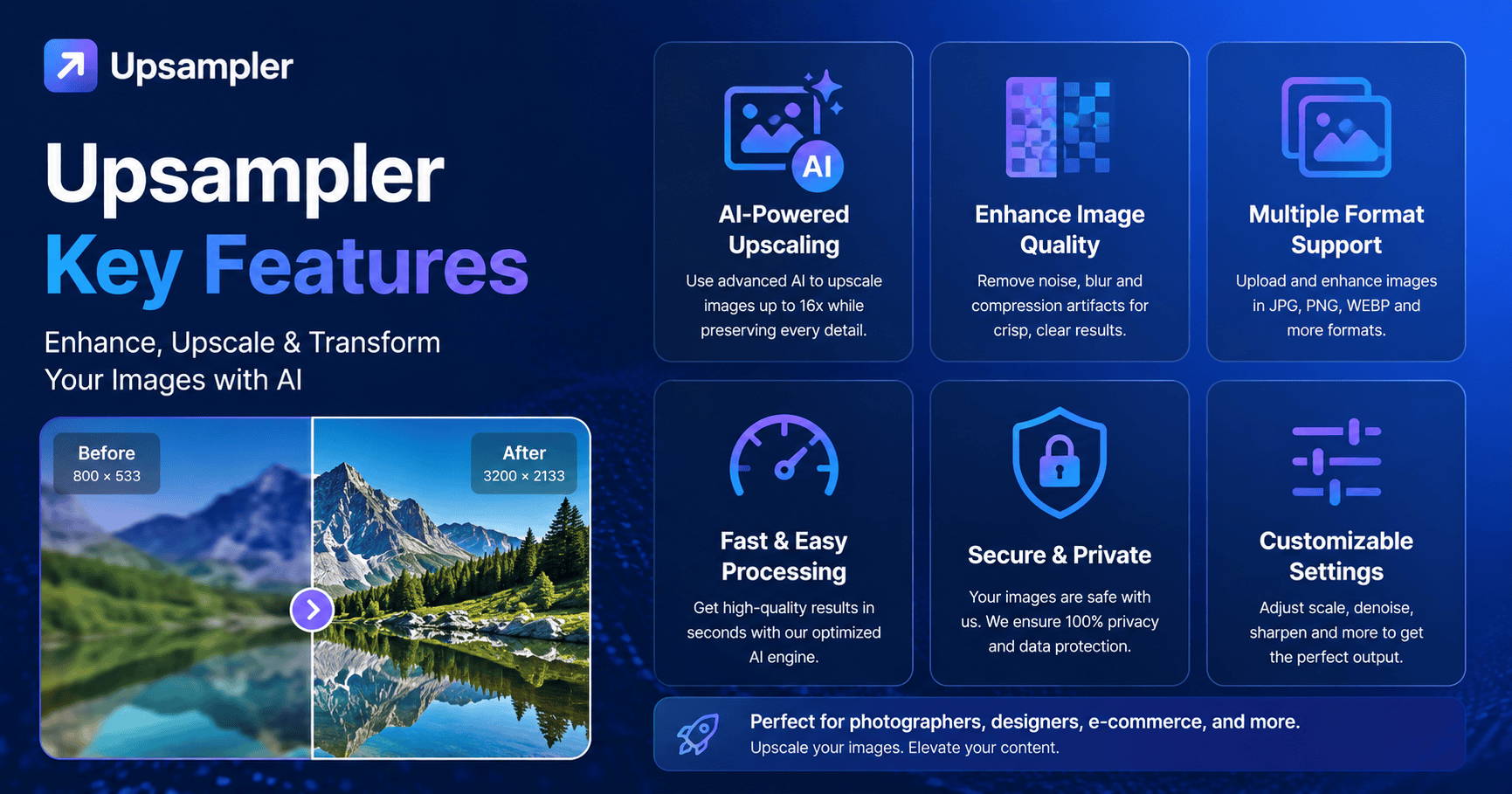
Upsampler Key Features:
1. AI Image Upscaling:
Starting fresh, upsampler takes small pictures and makes them bigger without losing sharpness. Instead of just stretching pixels, it guesses what should go between them. Often, results appear smooth because new parts blend well with original ones. Sometimes edges stay crisp since the method pays attention to patterns nearby. From corner to center, everything gets expanded carefully. Not every tool does this, yet this one builds detail where none existed. Most times, you cannot tell which version came first.
2. Image Restoration:
Photos that are worn or torn find new detail through Upsampler. Starting softly, the tool clears grainy spots while sharpening fuzzy edges. Life returns to faded moments as once-muddy images gain breath again.
3. Creative And Precise Modes:
- Creative Upscale: Adds artistic details and enhances visuals creatively.
- Sharpness gets a boost without changing how it first appeared. With higher resolution, details stay true through careful enhancement. The image feels familiar yet clearer than before.
4. AI Image Generation:
From words to pictures, Upsampler gives people a way to generate images using text descriptions. For artists and makers wanting fresh visual ideas, it becomes a helpful tool through descriptive input alone.
5. Video Creation:
Images come alive through animation tools built right into the system. Creating dynamic visuals happens smoothly without extra steps.
Using Upsampler:
Upsampler easy to use for beginners
- Visit the website.
- Upload your image.
- Pick enhancement mode.
- Let the AI process your image.
- Grab the sharp version once it finishes processing.
Online tools handle every task without downloads getting involved. Access comes through browsers instead of setup steps taking place.
Upsampler Benefits:
Upsampler offers several advantages:
- Improves image quality instantly
- Saves time with automated AI processing
- Easy to use for beginners and professionals
- One tool fits many ways to create stuff together inside a single space
- Pictures come out sharp, good enough to share online or make prints from. Quality stays strong whether viewed on phones or hung on a wall
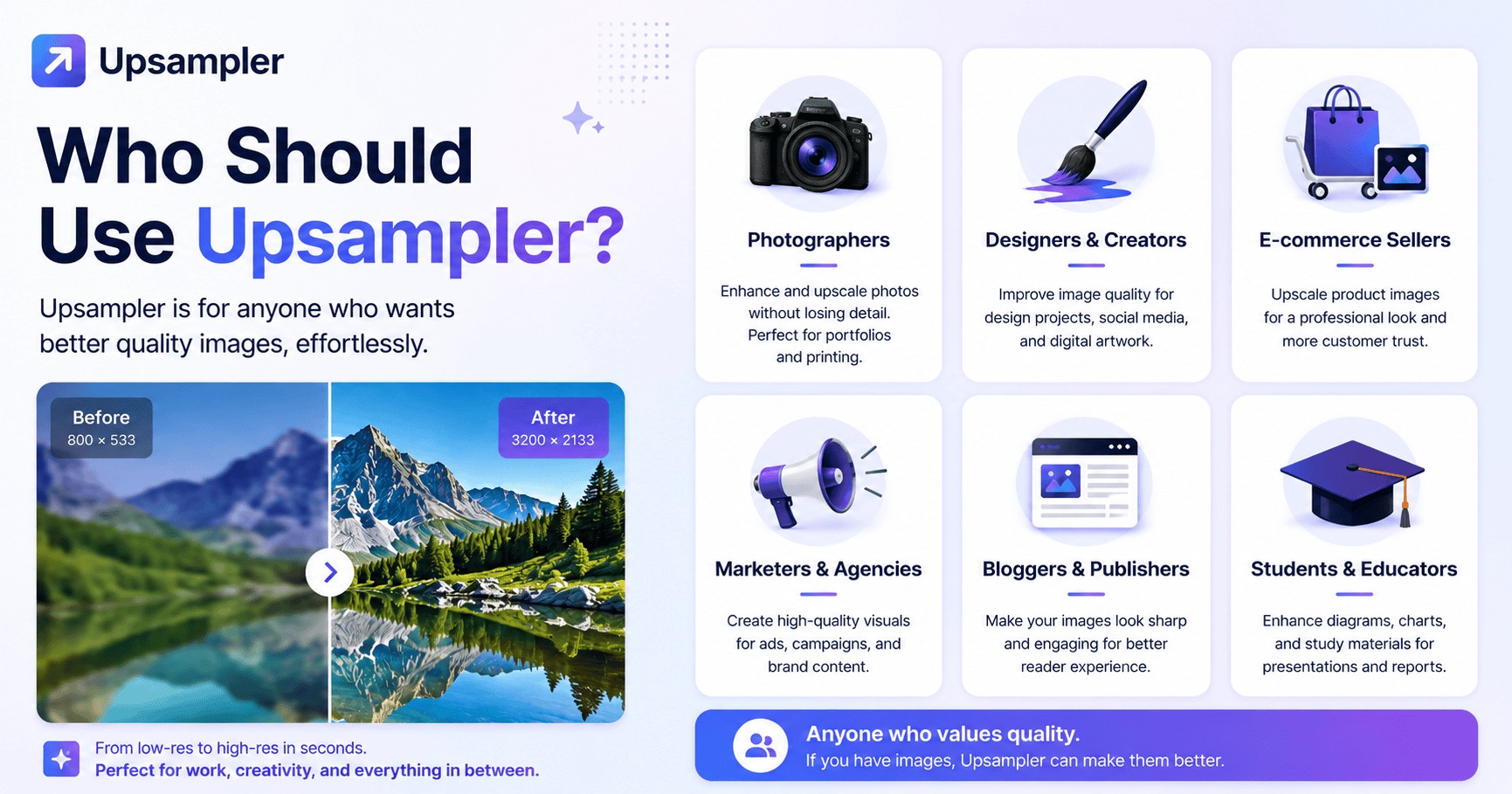
Who Should Use Upsampler?
Upsampler is ideal for:
- Photographers who want to enhance and restore images
- Designers creating digital artwork
- Content creators improving visuals for social media
- E-commerce sellers upgrading product images
- Businesses looking for professional-quality visuals
Conclusion:
Picture quality gets a boost when Upsampler steps in – this isn’t only about making things bigger. It runs on artificial intelligence that sharpens, rebuilds, even generates visuals from scratch. Smart tools hide inside a layout anyone can figure out fast. Blurry shots turn crisp, pixelated messes clean up well, ordinary snaps look like pro work – all without fuss. What starts grainy ends vivid.
Read More:- Repurpose Your Content Efficiently with Repurpose.io