

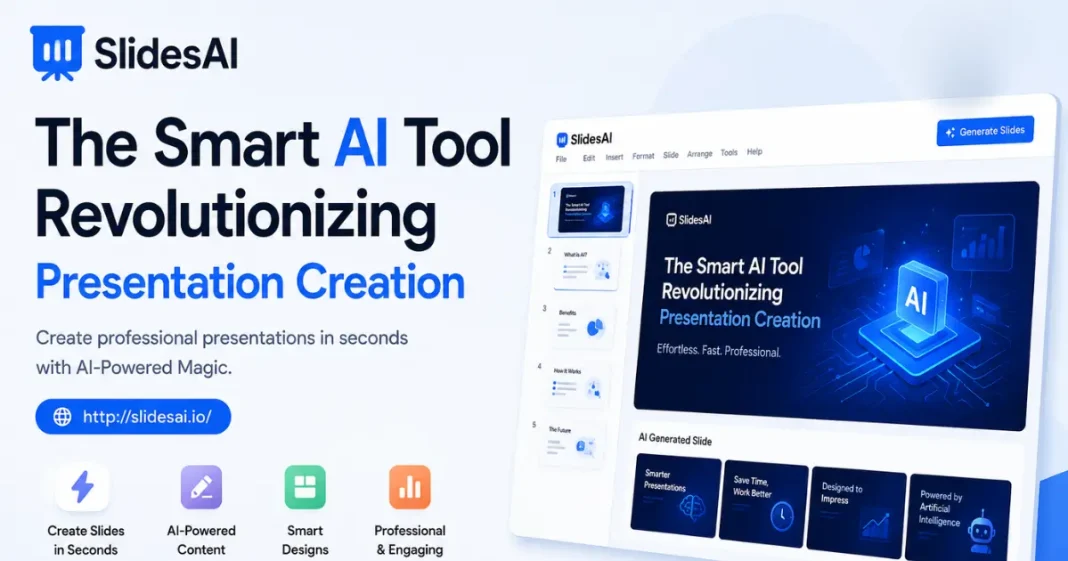


Most people spend hours building workable slide decks. Not just arranging thoughts but also drafting text eats up energy – especially when visuals need tweaking too. Students feel it, teachers notice it, office workers face it, even those in advertising wrestle with the load. Luckily things are shifting now, thanks to smart software stepping in quietly. One tool stands out: SlidesAI slips between thought and slideshow like a shortcut through fog. Minutes replace marathons while quality stays intact.

What Is SlidesAI?
One way to start: words go in, slides come out. This tool shapes raw ideas into clean layouts without clicking through menus. A different path appears when typing replaces dragging elements. It thinks ahead, arranging points so eyes stay focused. Another angle – imagine skipping design work but still getting sharp visuals. Time bends here, shortening tasks that once took ages. Quality stays steady, even when speed increases. The machine learns patterns, then builds smarter than old methods allowed.
Anyone making presentations often might find this tool helpful, especially people like teachers, business workers, or students. When putting together a school talk, work update, client meeting, or research summary, it helps cut down time spent on layout and formatting tasks. It speeds things up without needing extra effort from the user, even when deadlines are close. The process feels smoother because fewer steps stand between idea and finished slide deck.
How SlidesAI Works
Start by typing your thoughts, any rough notes, or just key points you have in mind. Once entered, the system begins working – breaking down what you shared into clear segments that make sense together. It picks out logical breaks, turns clusters of ideas into proper headings, then lines everything up neatly on virtual pages. Each piece finds its spot through smart sorting, so nothing feels tossed together without reason.
Hours once lost to manual sorting vanish when machines handle the layout. Focus shifts naturally toward sharpening ideas, shaping how things appear based on personal needs.
SlidesAI Key Benefits
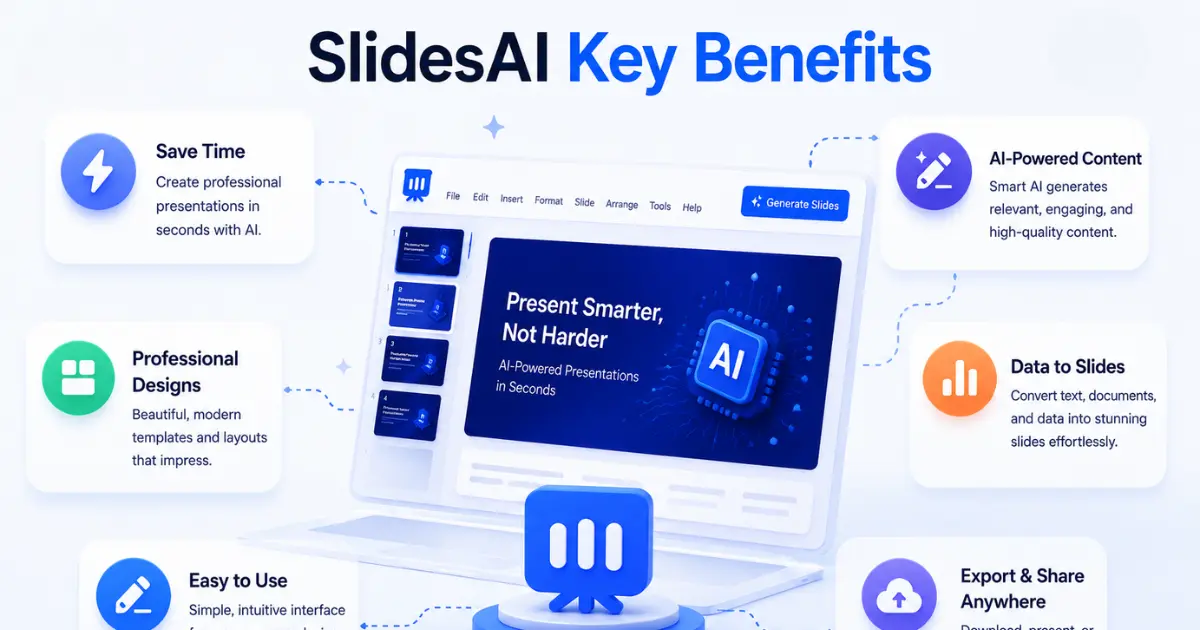
1. Saves Valuable Time
What makes SlidesAI stand out? It cuts down hours of work. Building presentations the usual way often means spending long stretches at the desk, sorting through piles of information. With this tool, minutes replace those hours – just feed in words, watch slides form on their own.
2. Improves Productivity
When time runs short, making slides can feel overwhelming. Yet tools like SlidesAI take over the routine work – arranging layouts, adjusting styles, setting up flow. Because of that, people focus less on setup, more on thinking ahead. Ideas get sharper. Delivery improves. Attention shifts where it matters.
3. Simple for all to use
No design background needed for SlidesAI. Even if you’re just starting out, getting around feels natural because the layout guides you without fuss. Quality stays strong even when steps get easier, thanks to smart tools working behind what you see.
4. Supports Professional Presentations
From the first slide on, clarity takes shape without extra effort. Built by smart tools, the layout gives a solid starting point – easy to adjust however fits your style. Design flows naturally, matching how you speak and share ideas. Visuals stay clean, never crowded. Each section connects smoothly, like thoughts unfolding one after another. Custom touches fit right in, making it yours without breaking rhythm.
Businesses Pick SlidesAI
From boardrooms to remote calls, companies depend on clear presentations during discussions, client talks, team trainings, or sales moments. With SlidesAI, groups build sharp slides fast without losing uniformity between tasks. Speed here often leads to smoother teamwork, letting firms act quicker when chances appear.
For quick campaign summaries, marketing folks turn to SlidesAI. Client pitches come together fast when sales groups rely on it. Executives skip long setup work by using the tool for high–level meetings. Design tweaks? They hardly slow anyone down anymore.
The Future Of AI In Slides
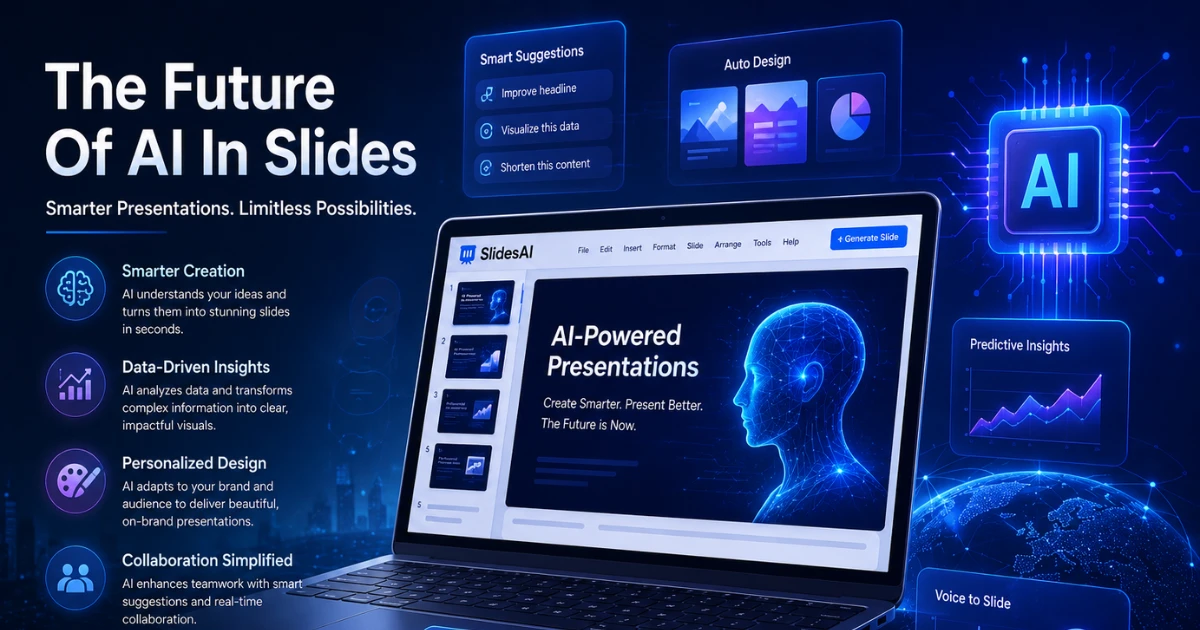
Still reshaping how we get things done at work, artificial intelligence reaches into even slide decks. SlidesAI shows what happens when smart tools meet real creative effort – cutting clutter without taking over. Not here to swap out presenters, it backs them up, clearing space to build stronger work faster. Less grind, more room to think, that is the shift.
One step ahead, AI keeps growing – so do the ways we show our thoughts through smarter slides. Not just faster, but sharper too, these tools adapt as you think, shaping messages with less effort yet clearer impact. Each update brings something subtle, like how timing adjusts itself or words find better flow without asking. Even now, hints of what is next appear in small features that learn your rhythm. Soon enough, presenting feels less like performing, more like sharing naturally.
Conclusion
Out of nowhere, SlidesAI speeds up how slides come together – smart tech quietly doing the heavy lifting. Picture this: typing thoughts, then watching them turn into clean layouts, fast. Not just for one type of user, it fits students rushing through assignments just as well as educators shaping lessons. Even in offices where big decisions hinge on clear visuals, it keeps pace without slowing down. Time once lost formatting gets given back, moment by moment. No magic tricks, just smarter workflow hiding in plain sight. Productivity climbs when effort drops, almost like clockwork.
Read More:- Top Smartwatches of 2026: Best Picks & Buying Guide Now!